The Accessibility Audit: 20 Questions to Ask Before Your Next Hire
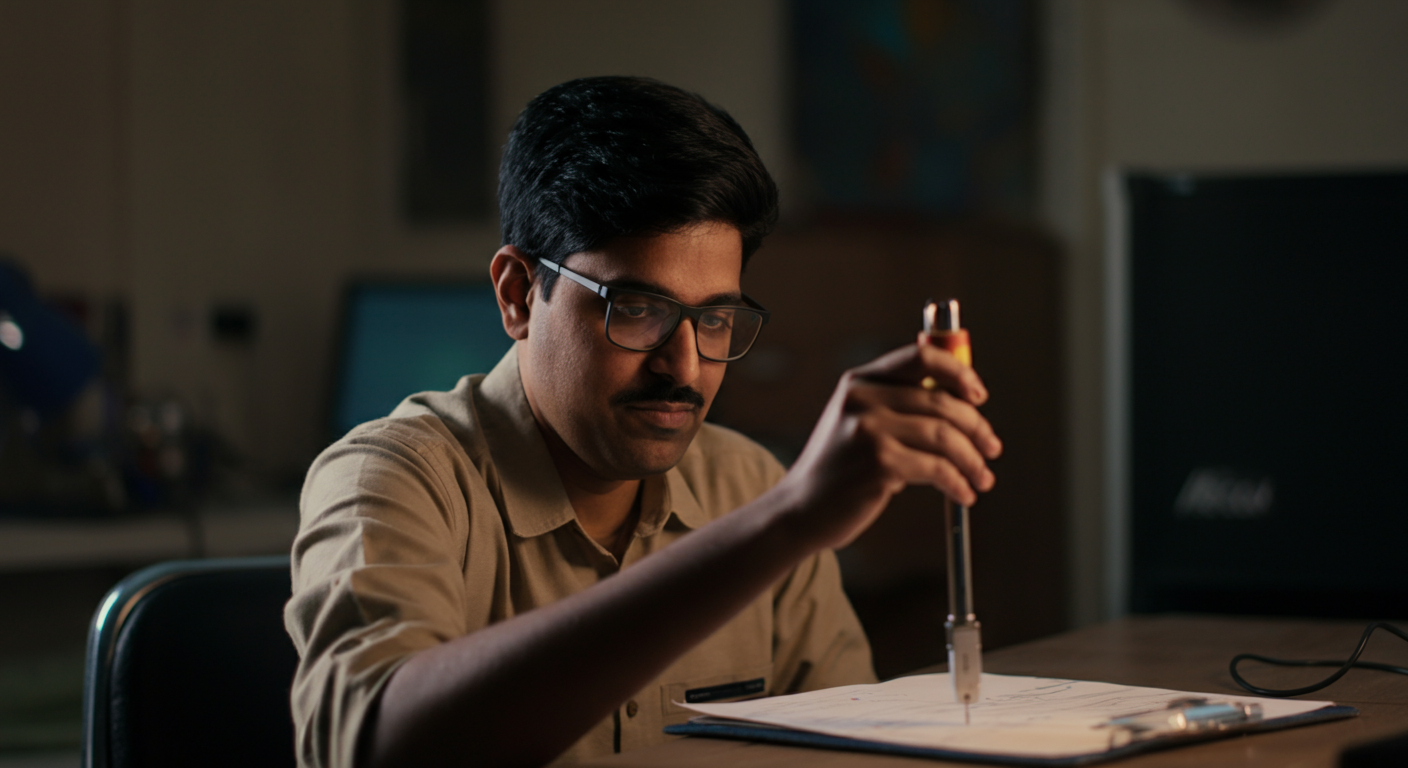
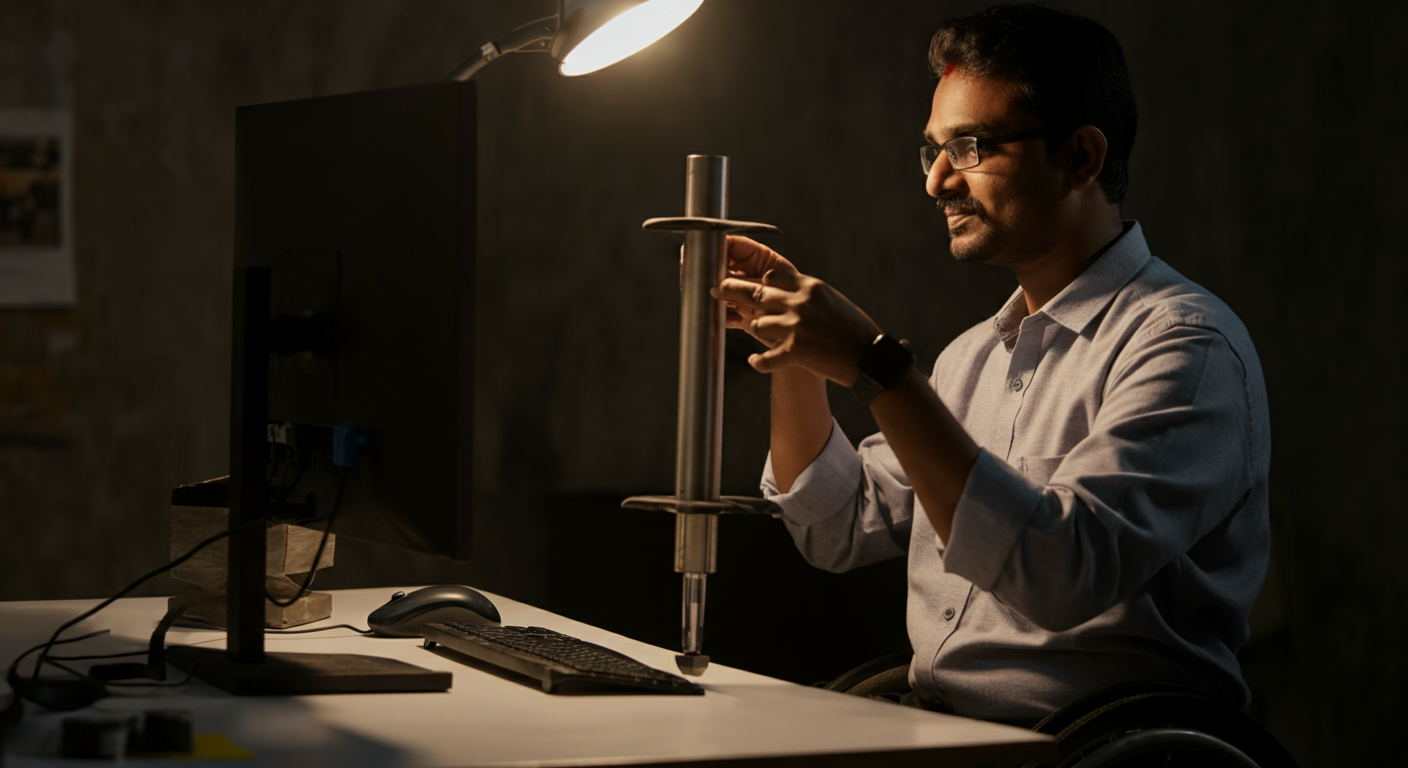
The moment to conduct a workplace accessibility audit in India is not after your first specially-abled employee joins and discovers that the toilet is on an inaccessible floor, the meeting room has no captioning enabled, and the emergency exit has no visual alarm. It is before they join. An accessibility audit is a structured review of your workplace — physical, digital, and cultural — against the needs of the employees you are planning to hire. Done well, it is a 4-hour exercise that prevents months of avoidable frustration. Done poorly (or not at all), it is the reason a promising hire leaves in their first six months citing a workplace that "said it was inclusive but wasn't." This guide gives you 20 specific questions, organised by category, with cost guidance for each gap you identify.
Category 1: Physical Building Access (Questions 1–6)
Question 1: Is the building entrance accessible by wheelchair?
Check for: a ramp (gradient no steeper than 1:12, with non-slip surface and edge protection) or step-free entrance at the primary entrance. If the primary entrance has steps, is there an accessible alternative entrance that is clearly signed and not significantly less convenient than the primary entrance?
If not accessible: Ramp installation by a contractor: ₹15,000–50,000 depending on length and material. Temporary portable ramps: ₹8,000–15,000.
Question 2: Is the lift accessible and functional?
Check for: lift dimensions sufficient for a wheelchair (minimum 1.1m × 1.4m interior), Braille floor buttons, audible floor announcements, functioning door sensors. Is the lift reliably maintained? A lift that is "sometimes out of service" is not an accessible lift for someone who depends on it.
If deficient: Braille button overlays: ₹3,000–8,000. Audible announcement system: ₹15,000–40,000. Lift maintenance SLA: negotiated with building management.
Question 3: Are accessible toilets available on your floor?
Check for: a toilet with sufficient turning radius for a wheelchair (minimum 1.5m × 1.5m), grab rails, appropriate toilet height, and a door that opens outward or is sliding. Are accessible toilets available on the same floor as the employee's workstation — not only in the basement or on a different floor?
If not available on the relevant floor: Negotiate with building management. In many Indian office buildings, accessible toilets exist but are on a different floor — confirming the employee's floor-level access before hire prevents this becoming a daily indignity.
Question 4: Are all workspaces in your office reachable without steps?
Check for: any internal steps, raised platforms, or narrow corridors between the entrance and the employee's assigned workstation, meeting rooms, the pantry, and the printer/copier. A step-free building entrance with an inaccessible internal layout is not accessible.
Question 5: Is there accessible parking (if the employee drives or uses accessible transport)?
Check for: a reserved accessible parking space, marked clearly, close to the accessible building entrance. Space should be wide enough for a vehicle with a ramp or side door (minimum 3.7m width). If your building does not manage parking directly, negotiate with the building management for a reserved space.
Question 6: Are emergency exits accessible?
Check for: at least one accessible emergency exit route that does not require stair use. Confirm with your building management that an evacuation chair or safe refuge area is available for employees who cannot use stairs. Document the emergency evacuation plan for specially-abled employees and share it with both the employee and the fire warden before they join.
Category 2: Workstation Accessibility (Questions 7–11)
Question 7: Is the assigned workstation height-adjustable or adjustable by the employee?
Check for: a desk height of approximately 70–75cm for standard seated work; lower if the employee uses a wheelchair (ask their preference). Height-adjustable desks: ₹8,000–20,000. Desk risers (for raising a fixed-height desk): ₹1,500–3,500.
Question 8: Is there adequate lighting for the employee's needs?
Check for: sufficient task lighting for employees with low vision; avoidance of fluorescent lighting in workstations for employees with photosensitive conditions (epilepsy, migraine). LED task lamps: ₹800–2,000. Fluorescent tube replacement with LED equivalents: ₹1,200–2,500 per fitting.
Question 9: Is the employee's standard-issue computer accessible?
Check for: screen reader software installed (NVDA — free; JAWS — ₹35,000/year), system display settings configured (high contrast, large text if needed), keyboard shortcuts configured per the employee's preferences. IT team briefed on accessible configuration.
Question 10: Is the employee's adaptive equipment ordered and delivered before Day 1?
Check for: every piece of assistive equipment discussed in pre-arrival accommodation conversation confirmed as received and functioning. Trackball mouse: ₹2,500–4,000. Drawing tablet: ₹7,500–15,000. Wrist rest: ₹400–800. Foot pedal: ₹2,500–4,000. Noise-cancelling headphones: ₹1,500–3,500.
Question 11: Is there a quiet workspace available for employees with sensory sensitivities?
Check for: an existing private room, phone booth, or reduced-noise area that can be booked for focused work. If no existing quiet space: acoustic panels for a designated area: ₹1,500–2,000 for a basic setup.
The cost of not doing the audit
When specially-abled employees leave a company in the first six months, inaccessible physical environment is the most commonly cited contributing factor — reported by 43% of early-exit specially-abled employees in the NCPEDP 2022 survey. The replacement cost of one early exit (1.5× annual salary) is typically 10–15× the cost of the physical accessibility improvements that would have prevented it. The audit pays for itself before you make your first hire.
Category 3: Digital and Communication Infrastructure (Questions 12–16)
Question 12: Are all approved communication platforms accessible?
Check for: live captioning on your video conferencing platform; screen-reader compatibility of your messaging tool (Slack, Teams, WhatsApp); keyboard navigation support in your project management tool. Test each platform with NVDA — free, 30 minutes.
Question 13: Is your HRMS (HR management system) accessible?
Check for: can an employee submit leave requests, view payslips, and access HR forms using a screen reader? Inaccessible HRMS forces specially-abled employees to request help from colleagues for basic HR functions — a daily indignity and a privacy concern. Contact your HRMS vendor for accessibility compliance information before hire.
Question 14: Are all company document formats accessible?
Check for: standard document templates (HR letters, policy documents, meeting agendas) saved as accessible PDFs or Word documents with heading structure and alt text. Test a sample document with NVDA: can a screen reader read and navigate it?
Question 15: Is there a visual emergency alert system?
Check for: a visual fire alarm (flashing light) in addition to the audible alarm in or adjacent to the employee's primary workstation area. Visual alarm systems: ₹3,000–8,000 per unit, typically installed by the building's fire safety contractor.
Question 16: Are meeting rooms equipped for captioned or interpreted communication?
Check for: a display screen in your primary meeting rooms that can show live captions from Google Meet or Teams; an audio-to-text solution for in-person meetings (Otter.ai — approximately ₹1,200/month). For rooms where ISL interpretation is needed: sufficient space for interpreter seating adjacent to the employee, with sightlines to the interpreter from the employee's position.
Category 4: Cultural and Process Accessibility (Questions 17–20)
Question 17: Does your team have a written communication-first protocol?
Check for: a team norm that key decisions are documented in writing (Slack, Notion, email) alongside or instead of verbal communication. If no such norm exists, establishing one is a Day 1 action, not an ongoing negotiation.
Question 18: Has the employee's direct manager received ability-inclusive management training?
Check for: the manager has completed at least the foundational ability-inclusive interviewing and management training (see our HR training guide) before the employee's start date, not after they join.
Question 19: Is your emergency evacuation plan documented for specially-abled employees?
Check for: a Personal Emergency Evacuation Plan (PEEP) documented for each specially-abled employee whose evacuation may require additional support. The plan should name: the employee, their specific evacuation needs, the designated evacuation assistant, the safe refuge area, and the communication method for informing the employee of an evacuation (visual/vibration alert). Completed and signed by HR, the employee, and the building fire warden before the employee's first day.
Question 20: Is there a process for updating accommodation as the employee's needs evolve?
Check for: a documented process for employees to request updates to their accommodation (as conditions change, as new technology becomes available, as roles evolve) without requiring a full re-assessment process. A named HR contact and a response commitment (recommend: 5 working days) is sufficient. The process should be communicated to the employee at onboarding.
For support conducting a full workplace accessibility audit and connecting with specially-abled candidates ready to join a well-prepared workplace, visit IMAbled's employer platform.
Frequently Asked Questions
Who should conduct the workplace accessibility audit?
A team of three is ideal: the HR Liaison Officer (for legal and policy knowledge), the facilities or office manager (for physical infrastructure knowledge), and where possible, a specially-abled employee or advisor (for lived-experience perspective). The employee who will be joining should also be involved — their specific needs may identify issues that a generic audit misses. Specialised accessibility consultants are available in major Indian cities for more comprehensive audits; for most companies, an internal audit using this checklist is a strong starting point.
What is the total cost of making a typical Indian office accessible?
It varies significantly based on current state. An office that is already in an accessible building with a functioning lift typically requires ₹15,000–50,000 in workstation adaptations, technology setup, and minor adjustments (visual alarm, accessible toilet signage). An office in a building with no lift and step-only entrance may require ₹1–5 lakh in physical modifications — or relocation to an accessible building, if modification is not possible. Get a physical assessment before assuming modification is necessary; many Indian office buildings already comply with accessibility norms but have never had those compliance measures tested against actual employee needs.
Are employers required by law to make their offices physically accessible in India?
The RPWD Act 2016 requires both built environments and electronic infrastructure to comply with accessibility standards. The Bureau of Indian Standards (BIS) has published accessibility guidelines (IS 10346) for buildings. The Act requires "reasonable accommodation" in the physical workplace — which means that if a physical modification is technically feasible and not disproportionately costly, it is required. The threshold for "disproportionate cost" is interpreted in proportion to the organisation's financial capacity. For organisations with the resources to maintain large offices, most standard accessibility modifications are within the "reasonable" threshold.
What should we do if our office building is not accessible and we cannot modify it?
For roles that can be performed remotely: offer full or primary remote work as the reasonable accommodation, with in-person requirements at an accessible alternative location (accessible client offices, accessible co-working spaces). For roles that genuinely require in-person presence: assess whether an accessible alternative office location in the same area is available, and whether a building move is feasible. If none of these options apply, consult with an employment lawyer on your specific legal obligations and options under the RPWD Act before declining to hire or making any other employment decision.
How often should a workplace accessibility audit be repeated?
A full audit should be conducted: (1) before your first specially-abled hire; (2) annually as part of your HR compliance calendar; (3) after any significant office move, renovation, or change in the employee population's needs; (4) after any incident where accessibility was cited as a concern by an employee. An annual review is typically a 1–2 hour exercise once the initial audit has been completed and gaps addressed — checking that existing measures are still functioning, and whether new technology or new employee needs have created new requirements.