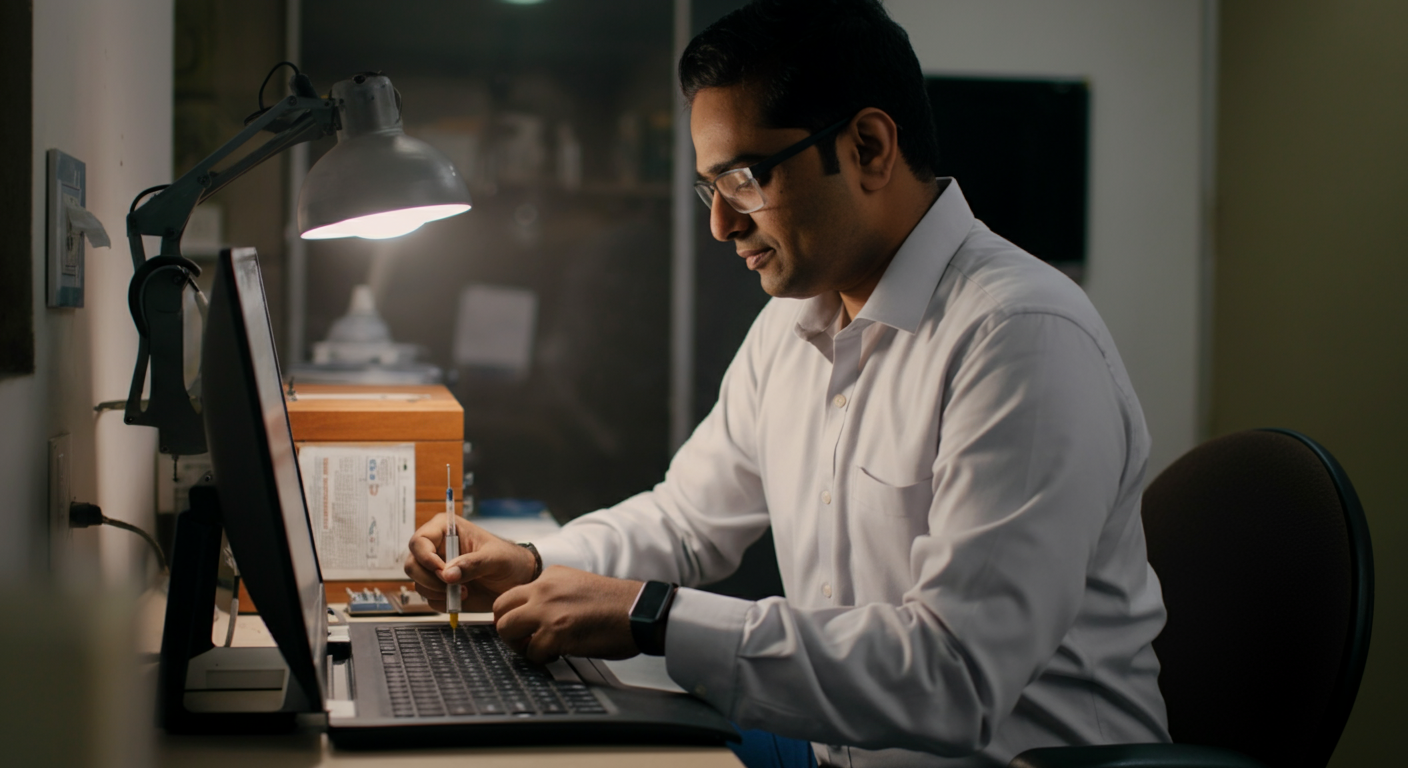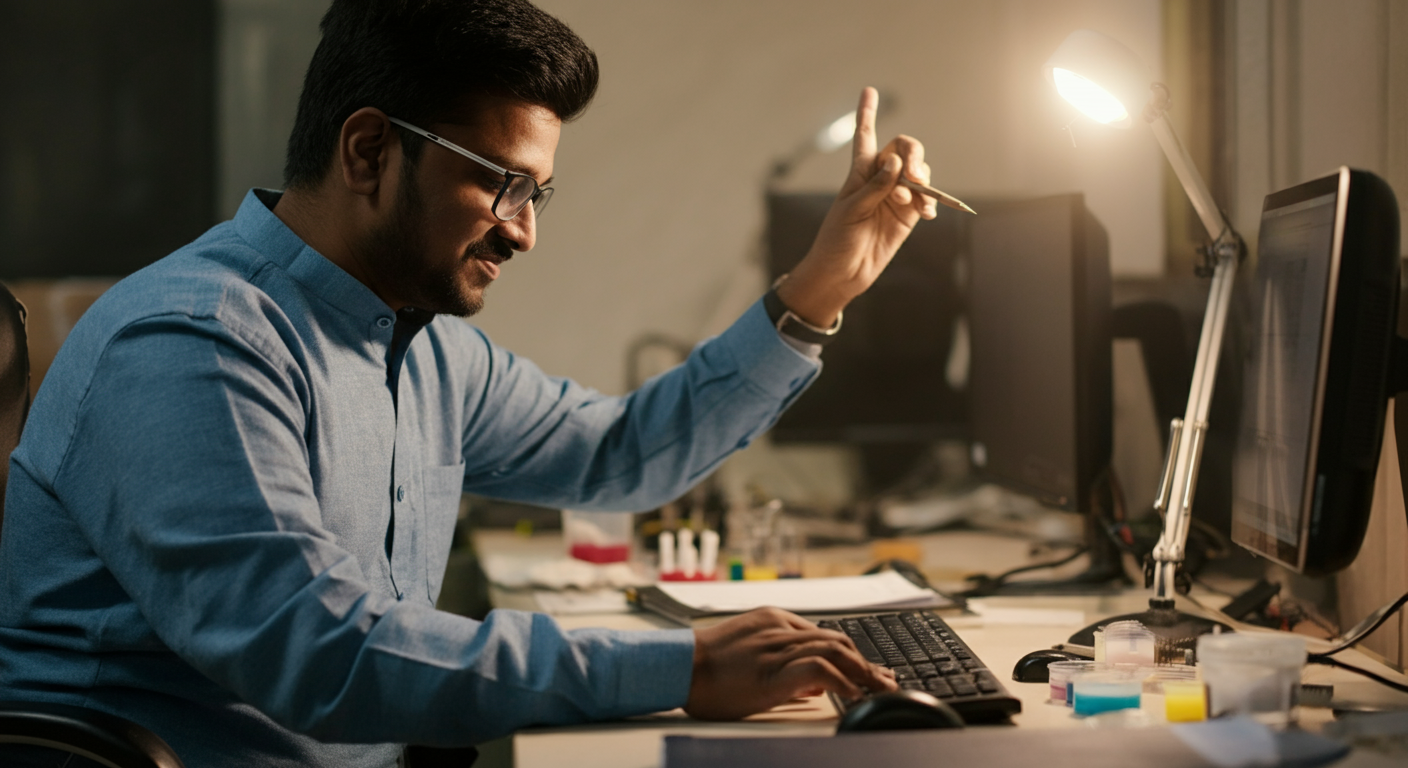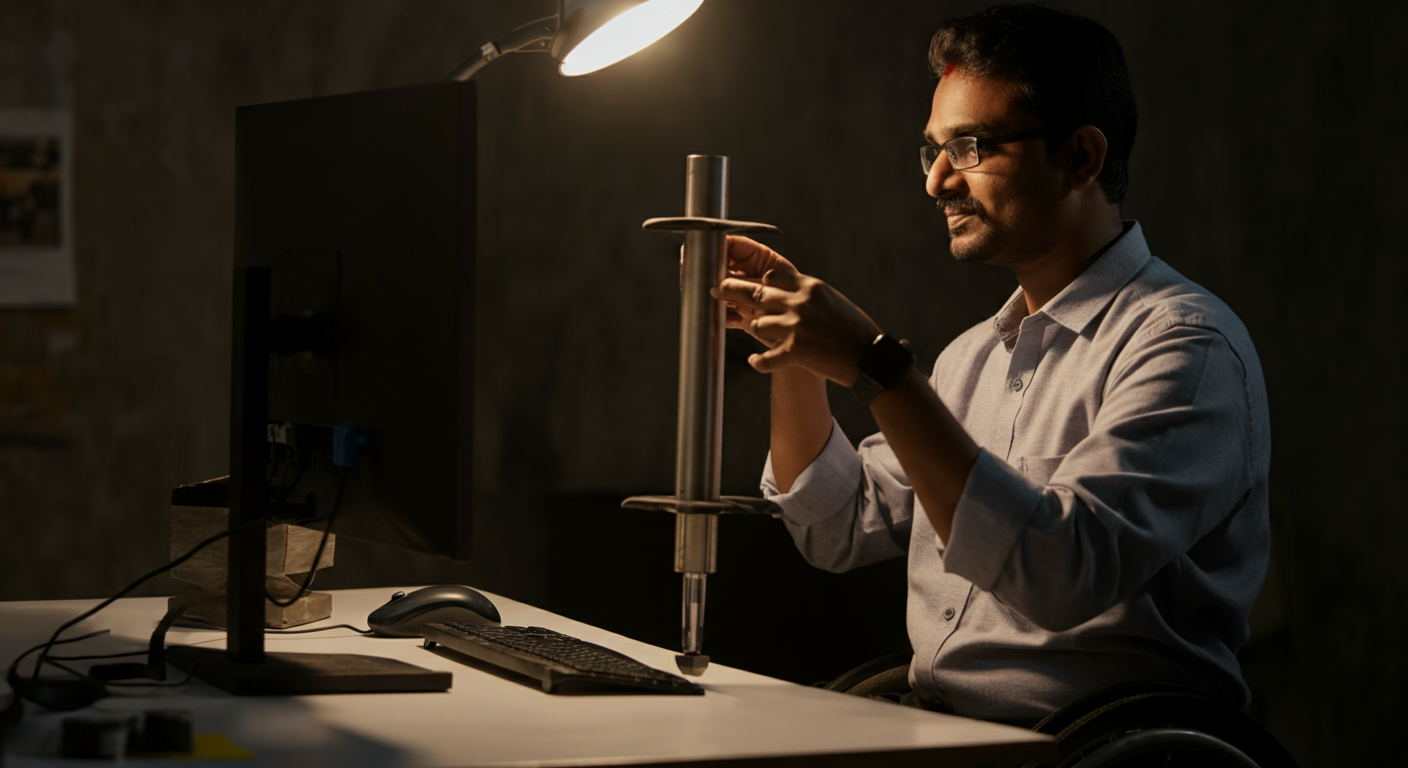
Specially-abled professionals setting up a new workstation — at the office or home — and HR/facilities managers procuring workstation equipment for an incoming specially-abled team member. Ranging from entry-level to senior, in tech, admin, creative, and support roles.
A poorly set-up workstation causes fatigue, pain, and reduced output — and for professionals with specific physical requirements, it can make an otherwise excellent job genuinely impossible. You need to know exactly what to request, buy, or configure before Day 1, not after weeks of discomfort.
This guide walks through ergonomic principles and specific product recommendations — available in India, priced in INR — for wheelchair users, professionals with upper limb differences, low vision, chronic pain, and neurodivergent professionals who need sensory-adjusted environments.
Ergonomic Workspace Setup for Specially-abled Professionals in India
Ergonomics is not a luxury. For specially-abled professionals, the right workstation setup is the difference between being able to do the job and not. An incorrectly positioned monitor causes neck strain for anyone — but for a professional with a spinal condition, it can end a workday in two hours. The good news: most ergonomic improvements cost less than one day's salary and are available from mainstream Indian retailers and marketplaces.
This guide covers every major ability type with specific product recommendations, price ranges, and setup measurements — so you can configure your workspace in a single afternoon rather than through months of trial and error.
Universal Ergonomic Principles (Apply to Everyone)
Before addressing ability-specific setups, these principles apply universally and form the foundation of any ergonomic workspace:
- Monitor height: The top of the screen should be at or slightly below eye level. For most adults, this means the monitor base needs to be raised 10–15cm above the desk surface.
- Monitor distance: 50–70cm from your eyes (arm's length). Closer causes eye strain; farther causes squinting.
- Chair height: Feet flat on the floor (or a footrest), thighs roughly parallel to the floor, elbows at desk height.
- Keyboard and mouse position: Wrists straight, not bent up or down. Elbows at approximately 90–110°.
- Take breaks: No ergonomic setup eliminates the need for movement. The 20-20-20 rule applies to everyone: every 20 minutes, look 20 feet away for 20 seconds.
Workspace Setup for Wheelchair Users
Desk Requirements
The single most important element for a wheelchair user's workstation is the desk. Standard Indian office desks sit at 740–760mm height — correct for a person seated in a standard chair, but often too high for a manual or power wheelchair user whose lap may be at 520–620mm.
You need a height-adjustable desk that can lower to 680–700mm minimum, with knee clearance of at least 670mm height, 500mm depth, and 700mm width. Spacewood Flexi Sit-Stand Desk (₹28,000–₹45,000) and Featherlite Height-Adjustable (₹32,000–₹55,000) are the most widely available options across Indian metros. Both are available through corporate procurement channels with 30-day delivery.
Monitor Arm
A monitor arm (rather than a stand) lets you position the screen precisely without desk surface constraints. Ergotron LX (₹8,500–₹12,000 on Amazon India) and the Mi Monitor Arm (₹4,500–₹6,000) both offer full range of motion. The arm should allow the screen to come close enough (50–60cm) without requiring neck extension upward — wheelchair seat heights often position the user lower than a standard chair, so monitor arms should be able to descend lower than the desk surface.
Keyboard and Mouse Position
A keyboard tray that attaches under the desk brings the keyboard down to a natural position without requiring raised elbows. Fellowes Office Suites Keyboard Manager (₹3,500–₹5,500) or a Humanscale 6G (₹12,000–₹18,000, available through Godrej Interio corporately) both work well with sit-stand desks.
Reaching Essentials
Everything used multiple times per day — phone, water bottle, notebook, stationery — should be within a 500mm horizontal reach from the seated position without stretching. A small organisational tray at one side of the desk eliminates constant reaching. ₹500–₹1,500 from any office supplies retailer.
Workspace Setup for Professionals with Upper Limb Differences
One-Handed Operation
If you primarily use one hand, a one-handed keyboard — where all characters are reachable from one side — dramatically increases typing speed. The Matias One-Hand Dvorak Keyboard (₹11,000–₹15,000) is the most ergonomically validated. A standard keyboard with StickyKeys enabled (built into Windows and macOS) allows keyboard shortcuts to be entered one key at a time — enable via Ease of Access settings at no cost.
Trackballs are often preferred over mice for one-handed operation because they don't require the entire hand to move. The Kensington Expert Wireless Trackball (₹6,500–₹9,000) and Logitech MX ERGO (₹8,000–₹11,000) are both available in India and extensively used by professionals with upper limb differences in IT and admin roles.
Limited Grip or Fine Motor Precision
Joystick mice and large-button keyboards reduce the fine motor demands of standard input. The Microsoft Xbox Adaptive Controller (₹9,000–₹12,000) — though designed for gaming — is used by occupational therapists across India as a workplace input solution because it accepts a wide range of external switches.
Built-in voice control via Windows Speech Recognition or Dragon Professional eliminates keyboard and mouse dependency entirely for professionals where voice is more accurate than physical input. See the voice recognition guide for full setup instructions.
Wrist and Forearm Support
For professionals with RSI, hypermobility, or arthritis, wrist rests and forearm supports reduce the load on tendons and joints. Fellowes Memory Foam Wrist Rest (₹900–₹1,800) for the keyboard and a matching mouse wrist rest. For more significant support, an ArmSupport Ergorest (₹8,000–₹14,000) mounts to the desk and provides full forearm articulation — widely used in German and Scandinavian offices and increasingly available via import in India.
Workspace Setup for Professionals with Low Vision
Monitor Size and Resolution
Larger monitors reduce the work of magnification. A 27-inch monitor at 1440p resolution (QHD) allows text to be enlarged without pixelation. The LG 27QN600 (₹22,000–₹28,000) and Dell U2722D (₹32,000–₹42,000) are both excellent in this category and available through Indian electronics retailers.
Two monitors (one for primary work, one for reference) is often more effective than one very large monitor, as it reduces the need to scroll and switch applications. Standard dual-monitor arms are available for ₹3,000–₹8,000.
Display Settings
Before purchasing any additional hardware, maximise your operating system's built-in display support: increase text size to 125–150% in Windows Display Settings, enable High Contrast mode for maximum text legibility, and use Night Light (blue light reduction) to reduce eye strain. These cost nothing.
Task Lighting
Consistent, adjustable task lighting reduces the eye's adaptation effort between the screen and surrounding space. A BenQ e-Reading Desk Lamp (₹4,500–₹8,000) or Philips Hue Go (₹5,500–₹9,000) provide adjustable colour temperature and brightness without the glare of standard fluorescent office lighting. Position lighting to illuminate paper documents and keyboard without reflecting off the monitor.
Anti-Glare Screens
Office environments with large windows or overhead fluorescent tubes create monitor glare that forces low-vision users to increase brightness to compensate. Anti-glare screen filters (₹800–₹2,500 for most monitor sizes, available on Amazon India) cut reflections without affecting colour accuracy for most tasks.
Workspace Setup for Professionals with Chronic Pain or Fatigue Conditions
Seating
For professionals managing back pain, fibromyalgia, MS, or other conditions involving pain and fatigue, seating is the most impactful single purchase. A chair with:
- Adjustable lumbar support (not just a fixed lumbar bump)
- Adjustable seat depth (to support different leg lengths and sitting positions)
- Recline function so the user can shift weight across the day
- Adjustable armrests (4D preferred — height, width, angle, depth)
The Featherlite Ergomax (₹22,000–₹32,000) and Godrej Interio Apex HB (₹18,000–₹28,000) meet these specifications and are available through corporate procurement. For companies with tight budgets, the Green Soul Monster Ultimate (₹14,000–₹18,000) is a widely praised mid-range option.
Sit-Stand Working
For professionals who cannot sustain sitting for extended periods, a sit-stand desk is often the single highest-impact intervention. Alternating between sitting and standing every 30–60 minutes reduces cumulative load on the spine significantly. The same height-adjustable desks recommended for wheelchair users (Spacewood Flexi, Featherlite) apply here — programmable height presets make transitions instant.
Footrests and Anti-Fatigue Mats
A Fellowes Professional Series Footrest (₹2,500–₹4,000) reduces leg fatigue for seated work. Anti-fatigue mats for standing periods (₹1,500–₹4,500 on Amazon India) make extended standing sustainable. Both are small investments with measurable comfort impact.
Workspace Setup for Neurodivergent Professionals
Noise Management
Open-plan Indian offices — common in IT parks, BPOs, and co-working spaces in Bengaluru, Hyderabad, and Gurgaon — are among the highest-noise work environments in any sector. For autistic professionals, those with ADHD, or anyone with sensory sensitivities, noise is not a minor inconvenience — it's a genuine productivity barrier.
Active noise-cancelling headphones at ₹8,000–₹30,000 range: Sony WH-1000XM5 (₹24,000), Jabra Evolve2 65 (₹22,000, enterprise-grade, widely used in Indian corporates), or the budget-conscious Anker Soundcore Q45 (₹4,500). A "focus" headphone request should be treated as a reasonable workplace accommodation, not a personal preference.
Visual Calm
Desk screens, privacy panels, or positioned planters reduce visual stimulation for professionals who find busy visual environments distracting. A simple fabric desk divider (₹1,200–₹2,500) is often all that's needed. For home offices, controlling background visual complexity is entirely within the professional's own control.
Physical Fidget and Sensory Tools
Small tactile tools — stress balls, textured rings, smooth stones on the desk — reduce the sensory seeking that can otherwise translate into restlessness or inability to concentrate. These cost ₹100–₹800 and are widely available. Many professionals keep them out of sight in a desk drawer for use during calls and focus work.
Making the Request at Your Workplace
If you are a specially-abled professional who needs ergonomic accommodation, you have the right to request it under RPWD Act 2016. A practical approach: document your needs in one concise written request to HR, specifying the exact items (e.g., "height-adjustable desk, model Spacewood Flexi or equivalent, required for wheelchair use") with a brief clinical or functional explanation. Most Indian employers with active D&I programmes will process this within 10 working days.
If you're looking for roles where employers are already committed to accessible setups, browse IMAbled's job listings — employers specify accommodation capabilities in their profiles. Companies ready to invest in your workspace are listed at IMAbled for Companies.
Frequently Asked Questions
Can I ask my employer to reimburse ergonomic equipment I've already purchased?
Yes, and many progressive Indian employers do reimburse equipment purchases with receipts, especially for remote workers. Frame the request as a reasonable accommodation claim under RPWD Act 2016 rather than an expense reimbursement — it travels through a different (and usually more supported) approval process.
Is ergonomic equipment covered under any Indian government scheme?
The ADIP scheme covers aids and appliances for specially-abled individuals below ₹2.5 lakh annual income, including computing peripherals and mobility equipment. State government schemes vary — Delhi, Maharashtra, and Karnataka all have supplementary schemes. Contact your district social welfare office for current eligibility.
What is the most impactful single ergonomic change for a wheelchair user?
Height-adjustable desk. The inability to get the keyboard and monitor at the right height from a wheelchair seat height causes every other discomfort — neck strain, shoulder tension, reduced reach. Fix the desk first; everything else builds from there.
How do I set up an ergonomic workspace at home on a limited budget?
Prioritise in this order: (1) laptop stand or monitor riser — improvise with books if needed, ₹0; (2) external keyboard and mouse — ₹800–₹2,000; (3) a chair with adjustable height — ₹3,000–₹8,000 for a basic ergonomic chair. These three changes eliminate 80% of posture-related strain. Add items over time as budget allows.
Should I tell my employer about my ergonomic needs before joining or after?
Before joining is better. It gives the employer time to set up your workstation correctly before Day 1, which signals their seriousness about inclusion and prevents you from spending your first weeks in discomfort. You can frame it as helping them prepare: "I'd like to share my workstation requirements so we can get everything sorted before I start."