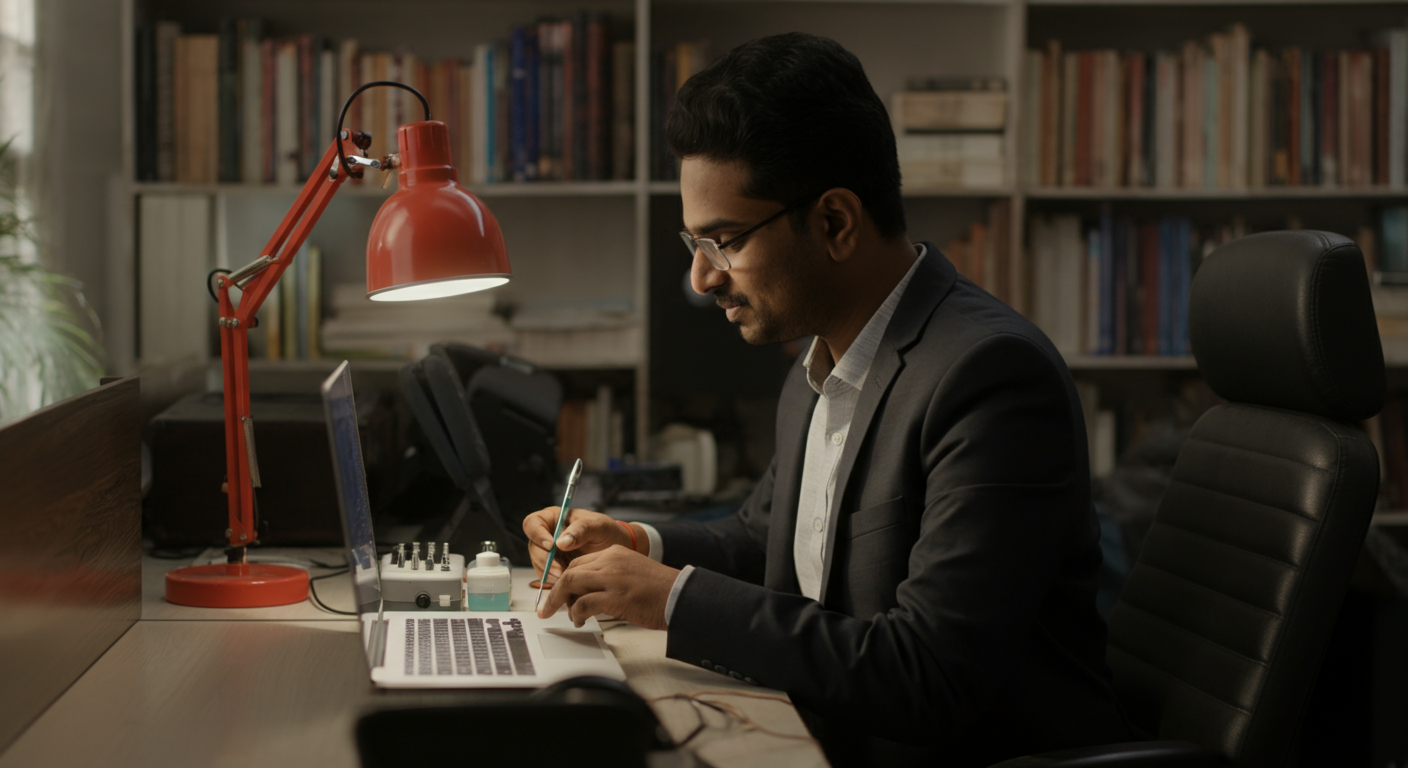
Specially-abled professionals in India setting up or optimising a home office for remote or hybrid work — across IT, finance, content, customer success, and data roles — and employers building remote work policies that genuinely support ability-inclusive participation.
Remote work has been transformative for specially-abled professionals — eliminating inaccessible commutes, allowing custom ergonomic setups, and enabling work in environments calibrated exactly to their needs. But an under-resourced home setup undercuts these advantages. You need to know what to invest in and what to ask your employer to provide.
This guide covers internet setup, assistive technology integration at home, ergonomic home office configuration, the best collaboration tools for accessible remote work, employer reimbursement rights, and how to make yourself visible and productive to a remote team when you're working from home.
Remote Work Setup for Specially-Abled Professionals in India: Tools and Best Practices
When the pandemic forced Indian companies to work remotely in 2020, something unexpected happened for many specially-abled professionals: work suddenly became more accessible. The inaccessible office building, the crowded local train, the open-plan floor with no quiet space — all disappeared. In survey after survey, specially-abled professionals in India reported higher job satisfaction and productivity during remote work than in traditional office settings.
The challenge now is ensuring that remote and hybrid work setups are genuinely equipped — not just "working from a laptop on the kitchen table" — so the advantages of remote work are fully realised.
Internet Connectivity: The Non-Negotiable Foundation
Everything else in your remote setup depends on reliable internet. For professional remote work in India, the minimum requirement is a 50 Mbps broadband connection with less than 30ms latency. For video calls, screen sharing, and real-time captioning services simultaneously, 100 Mbps is noticeably better.
Best Broadband Options by City
Bengaluru, Mumbai, Delhi NCR, Hyderabad, Chennai, Pune: ACT Fibernet, Jio Fiber, and Airtel Xstream Fiber all offer 100 Mbps plans at ₹800–₹1,500/month. ACT is particularly strong in Bengaluru. Jio Fiber has the widest Tier 1 city coverage.
Tier 2 and Tier 3 cities: Availability varies dramatically. Jio Fiber is expanding most aggressively in smaller cities. BSNL FTTH (Fiber to Home) is available in many cities where private operators haven't reached. For areas with no fiber option, a 5G home router (Jio AirFiber, now available in 50+ cities at ₹600–₹1,200/month) provides reliable 50–150 Mbps speeds.
Backup Connectivity
A mobile data plan as backup is essential when your primary connection drops during a critical meeting or deadline. A separate SIM on a different network (if Jio Fiber is your primary, keep an Airtel or BSNL mobile plan as backup) ensures you're never fully disconnected. Mobile hotspot capability on any ₹200+/month plan works adequately for emergency use.
Router Placement
Powerline adapters (₹1,500–₹3,500) transmit internet via your home's electrical wiring — ideal if your workspace is far from the router and running an ethernet cable isn't feasible. More reliable than Wi-Fi through multiple walls. An upgrade many remote professionals never consider but frequently solves mystery speed drops.
Assembling Your Home Assistive Technology Setup
The home environment offers an advantage the office cannot: you have full control over every element. Your assistive technology doesn't need to be portable or shared — it can be optimised entirely for your needs.
Screen Reader Users at Home
NVDA or JAWS (see our screen reader comparison) function identically at home. The home advantage: better audio quality. Use a quality headset or speakers rather than laptop speakers — the clarity of speech synthesis affects accuracy of comprehension significantly over a full working day. The Sony WH-1000XM5 (₹24,000) in wired mode provides excellent speech audio while also cancelling home background noise (delivery alerts, family sounds).
Voice Recognition Users at Home
Home environments typically have less background noise than open-plan offices — a meaningful accuracy improvement for Dragon, Windows Voice Access, and Google Docs Voice Typing. The one home challenge: family members and household noise are unpredictable. Schedule high-volume dictation work during quiet periods. A dedicated noise-cancelling headset microphone (Jabra Evolve series, ₹8,000–₹22,000) eliminates most household noise interference.
Captioning in Home Video Calls
For deaf and hard-of-hearing professionals, video calls at home can actually be better than office settings — you control the camera angle (ensuring good lighting on your face for lip-reading if needed), can use a larger monitor for captioning, and face no ambient background noise competing with the audio feed. Enable Teams Live Captions, Google Meet auto-captions, or Zoom's live transcription as standard across all your video calls.
The Ergonomic Home Office: Essential Investments
The home office setup for a specially-abled professional warrants real investment — not because expensive is always better, but because you'll spend 6–8 hours in this space daily, and the ergonomic impact compounds over years. See our full ergonomic workspace guide for detailed specifications. The home-specific priorities are:
Dedicated Workspace
Working from a bed or sofa is ergonomically unsustainable and psychologically counterproductive. A dedicated workspace — even a corner of a room — with appropriate furniture creates the physical and mental separation between work and rest that prevents burnout and manages episodic conditions better.
For wheelchair users, ensure the workspace is accessible within the home: sufficient turning radius, knee clearance at the desk, and access to power outlets and network at appropriate heights. Home modifications for wheelchair access (ramps within the home if needed, bathroom grab rails) may qualify for ADIP scheme support or state government accessibility grants.
Lighting for Home Video Calls
Poor home lighting is the #1 issue in remote meetings — it makes you harder to read for lip-reading colleagues, harder to see for teams trying to gauge engagement, and visually fatiguing for all-day video calls. A ring light or soft-box light (₹800–₹3,000) positioned in front of you (not behind) transforms home video call quality. For deaf or hard-of-hearing professionals who rely on facial expression and lip reading in video meetings, good lighting directly affects communication accuracy.
Adjustable Desk and Chair at Home
Many professionals invest in ergonomics at the office but then work from a fixed kitchen table at home. If you are working remotely full-time or majority-time, the home desk and chair investment is fully justified. A height-adjustable desk (₹25,000–₹45,000) and an ergonomic chair (₹15,000–₹30,000) should be negotiated as employer-provided remote work equipment — or reimbursed under your company's home office allowance.
Collaboration Tools That Work for Remote Specially-Abled Teams
Microsoft Teams
The most complete accessible collaboration platform available to Indian corporate users. Key accessibility features: Live Captions (built-in, no extra cost), Together Mode for reducing visual complexity in large meetings, background blur for those who prefer not to show their workspace, and full keyboard navigation. Compatible with NVDA, JAWS, and VoiceOver screen readers.
Google Meet
Excellent real-time captions (uses Google's strong Indian English speech model). Integrated with Google Workspace. Less feature-rich than Teams for screen reader users navigating the interface. Better for external client calls where Teams isn't universally available.
Slack
The dominant text-based collaboration tool in Indian startups and tech companies. Fully keyboard-navigable. NVDA and JAWS compatible. Audio notifications configurable for hard-of-hearing users. Workflow Builder allows automation that reduces repetitive communication overhead — useful for neurodivergent professionals who benefit from structured async communication.
Notion and Confluence (Documentation)
Both support screen reader navigation reasonably well. Notion has improved its accessibility significantly in 2022–2024. For heavily documentation-driven remote teams, async-first communication via Notion or Confluence reduces the meeting load that can be challenging for some specially-abled professionals.
Loom (Async Video)
Loom allows recording short video messages as an alternative to meetings. Auto-transcription included. For deaf professionals, Loom transcripts make async video communication accessible. For those who find video calls mentally draining, Loom reduces synchronous meeting requirements. Used increasingly in Indian product, engineering, and content teams.
Your Rights to Remote Work Equipment Reimbursement
If remote work is your reasonable accommodation arrangement under RPWD Act 2016 or employer agreement, the equipment necessary for you to work effectively at home is part of the accommodation. You have a basis for requesting:
- Ergonomic desk and chair if the standard home furniture is inadequate
- Internet connection subsidy or full provision
- Assistive technology (screen reader licence, captioning tools)
- Video call lighting (if role requires frequent video calls)
- External monitor and keyboard/mouse
Many Indian companies offer a standard remote work setup allowance (₹5,000–₹25,000 one-time) — always ask before purchasing from your own budget. Frame additional accommodation-specific equipment in your accommodation request rather than as an expense reimbursement.
Being Visible and Productive as a Remote Specially-Abled Professional
The persistent anxiety for remote specially-abled professionals is: "Will they think I'm not working hard enough because I'm not visible in the office?" This is real, and it's worth addressing proactively rather than hoping it resolves itself.
Communicate outputs, not hours: End each week with a brief written summary of what you delivered. This is good practice for all remote workers and especially helpful for specially-abled professionals whose work patterns may look different from the team norm.
Be visible in async channels: Active participation in Slack or Teams text channels — sharing ideas, giving feedback, commenting on others' work — maintains visibility without requiring constant video call presence.
Speak in your manager's language: Learn what they care about (delivery speed? quality? client feedback? cost?) and frame your updates in those terms. When your manager's metrics are consistently met, the question of "where" and "how" you work loses its grip.
Build relationships individually: A 15-minute one-on-one video call with teammates every 2–3 weeks maintains the human connection that remote work can erode. For specially-abled professionals who may not participate in informal office socialising, these deliberate relationship investments carry more weight.
Ready to find your next remote or hybrid role? IMAbled's job board lists roles by remote availability, so you can filter specifically for full-remote, hybrid, and flexible roles that work for your situation.
Frequently Asked Questions
Is a specially-abled professional entitled to demand full-time remote work as an accommodation?
The employee is entitled to request it. The employer must genuinely evaluate whether it's feasible for the specific role. If the role's essential functions can be performed remotely — as is true for most IT, finance, content, and back-office roles — the employer has a strong legal basis for obligation. If the role genuinely requires in-person presence (manufacturing, front-desk reception), the employer can decline full-time remote but must explore alternatives (hybrid, job restructuring).
What if my home is not accessible for setting up a proper workspace?
Some specially-abled professionals live in homes that are difficult to make into functional accessible workspaces. Options: negotiate a co-working space allowance (many Indian cities have accessible co-working spaces at ₹3,000–₹8,000/month); request specific equipment from the employer to make the home space functional; or negotiate a hybrid arrangement where in-office days are on days when transportation is manageable.
How do I handle power cuts during remote work in India?
A UPS (Uninterruptible Power Supply) at ₹3,000–₹8,000 keeps your router and computer running through 30–60 minute outages. A power bank for laptop charging (₹4,000–₹8,000 for 20,000+ mAh) extends operation further. For reliable connectivity during generator gaps, a mobile hotspot is the standard backup. Include these in your remote work equipment request — power stability is a legitimate work infrastructure item in India.
Are there specific remote-first companies in India that are particularly accessible?
Several Indian technology companies have mature remote-first cultures with documented accessibility support: Automattic India, GitLab India teams, Freshworks (hybrid with strong flexibility), Wingify, and several global companies hiring Indian remote workers (Shopify, Stripe, Canonical). IMAbled's employer profiles indicate remote work policies and accessibility support — filter by these criteria when searching.
How do I manage video call fatigue when remote work means back-to-back video meetings?
Video call fatigue is particularly intense for specially-abled professionals who must concentrate simultaneously on content and accessibility management (following captions, managing hearing aid battery, maintaining energy). Practical strategies: request meeting-free blocks of at least 2 hours daily, negotiate asynchronous alternatives for recurring status meetings, turn video off when not speaking, and use a standing or slightly reclined position for calls to vary physical position and reduce fatigue. Camera-off norms reduce visual processing demands without reducing participation.